
For Cyber Insurance
Give your cyber insurer the behavioral evidence they're asking for.
Connect your Microsoft 365 and document real employee security behaviors — in 15 minutes.
No credit card. No sales call. Just your data.
Insurers are asking harder questions. "We did training" isn't enough anymore.
Cyber insurance renewals have changed. Insurers no longer accept attestations at face value — they want evidence of demonstrated security behavior. And the gap between what you can attest to and what you can actually prove is getting expensive.
Here's what that looks like at renewal time:
Built on 20 years of security culture research.
We know what it means to be asked to prove something you've never had the tools to measure.
Kai Roer created the Security Culture Framework over a decade ago. It was adopted by ENISA for EU-wide cybersecurity guidelines. He wrote the books that security professionals use as their playbook — Build a Security Culture and The Security Culture Playbook (Wiley, 2022).
And through all of that work, one gap never closed: the gap between what organizations say their employees do and what they actually do.
Praxis Navigator exists to close that gap — and give you the behavioral evidence your insurer is asking for.
From attestations to behavioral evidence.
Praxis Navigator connects to your Microsoft 365 environment and monitors real employee security behaviors — continuously, passively, and without disrupting anyone's workday.
You get what no training platform or compliance tool can give you:
- Continuous behavioral baselines from day one. Built from actual employee behavior patterns across Exchange Online, SharePoint, OneDrive, Teams, and Entra ID.
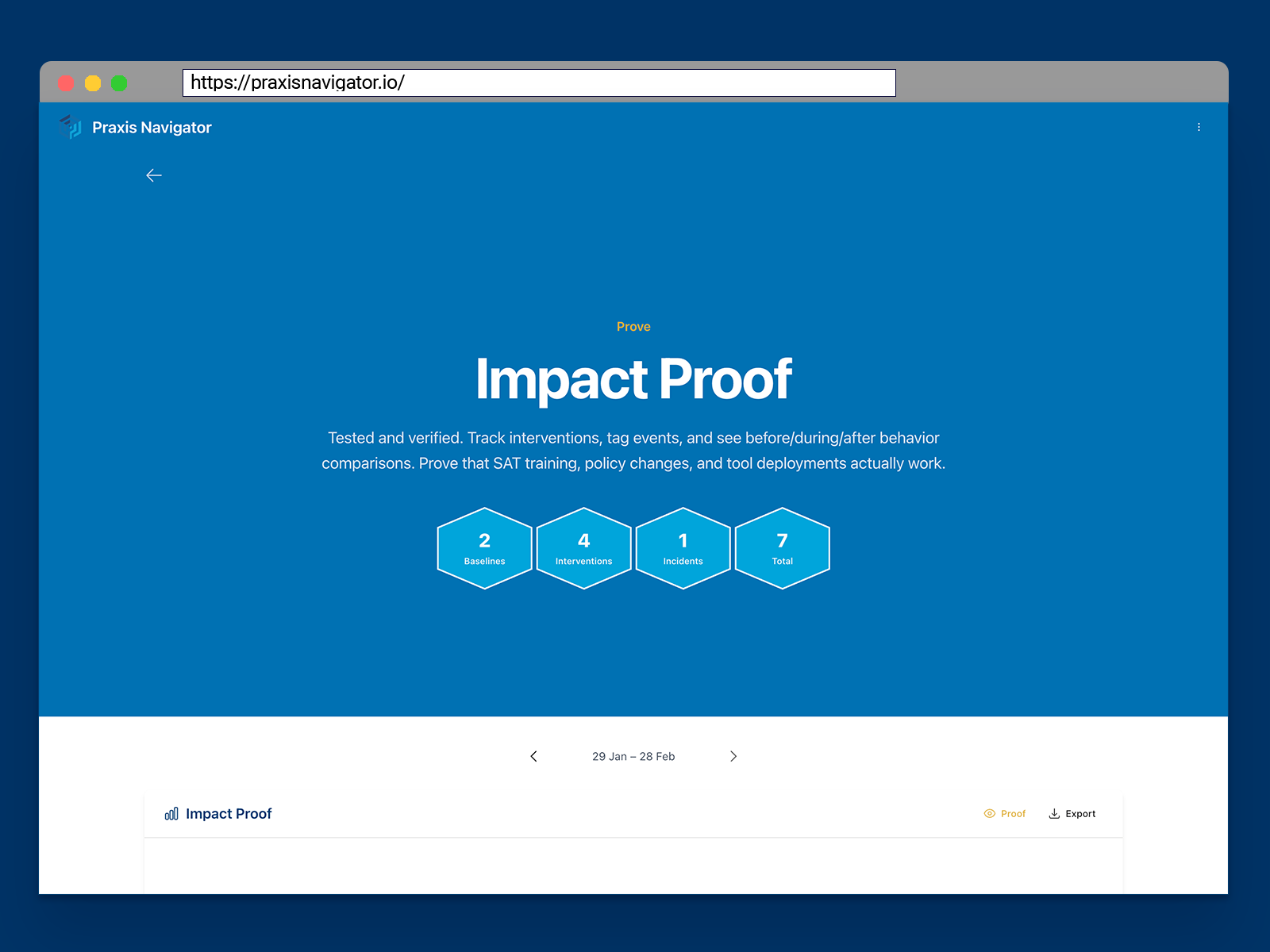
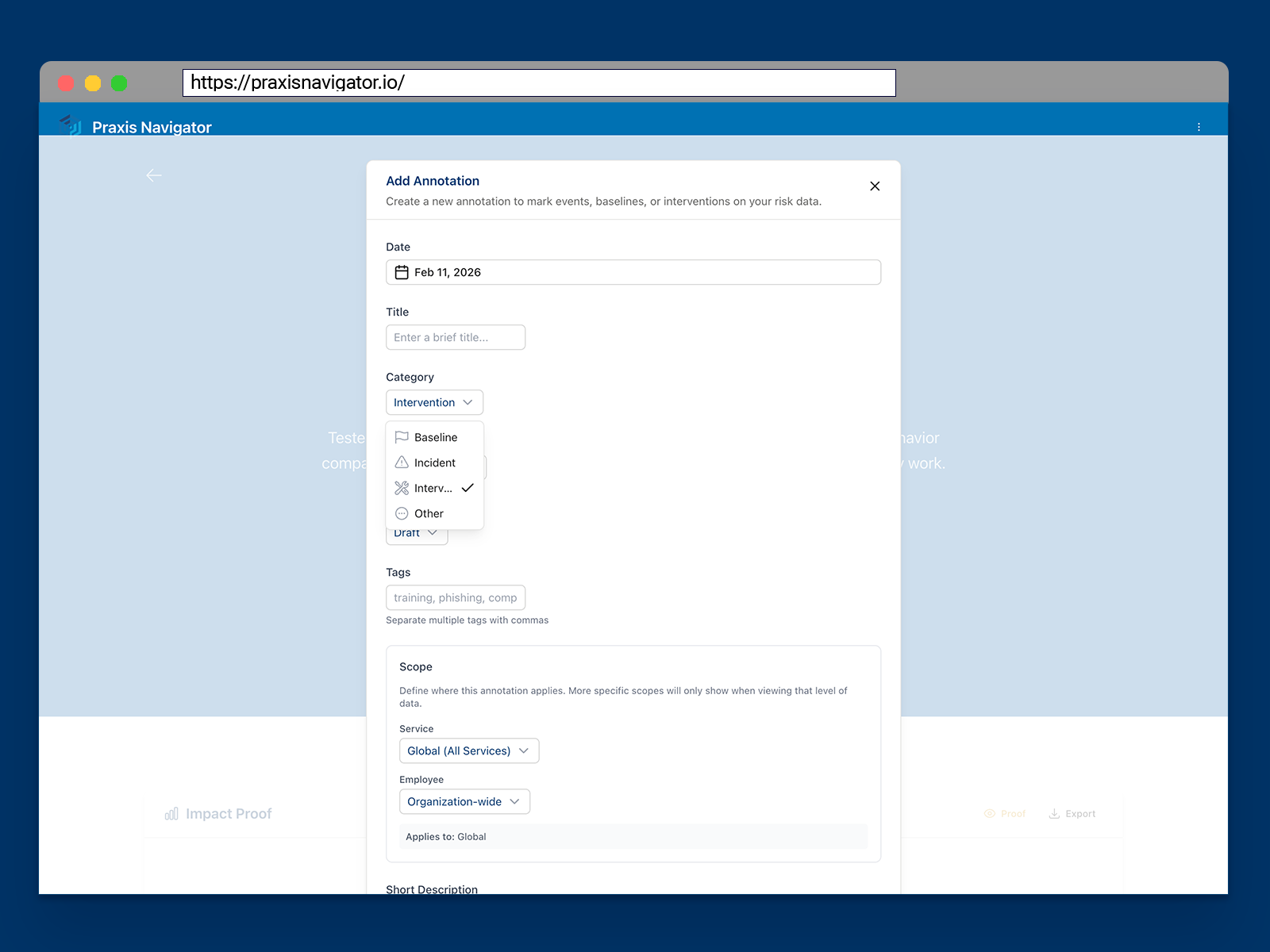
- Before-and-after proof that your security program works. Tag a training rollout, a policy change, or a new control — and see the measurable behavioral impact automatically.
- Always-current data ready for renewal. No scramble to gather evidence at renewal time. Your behavioral record is building continuously.
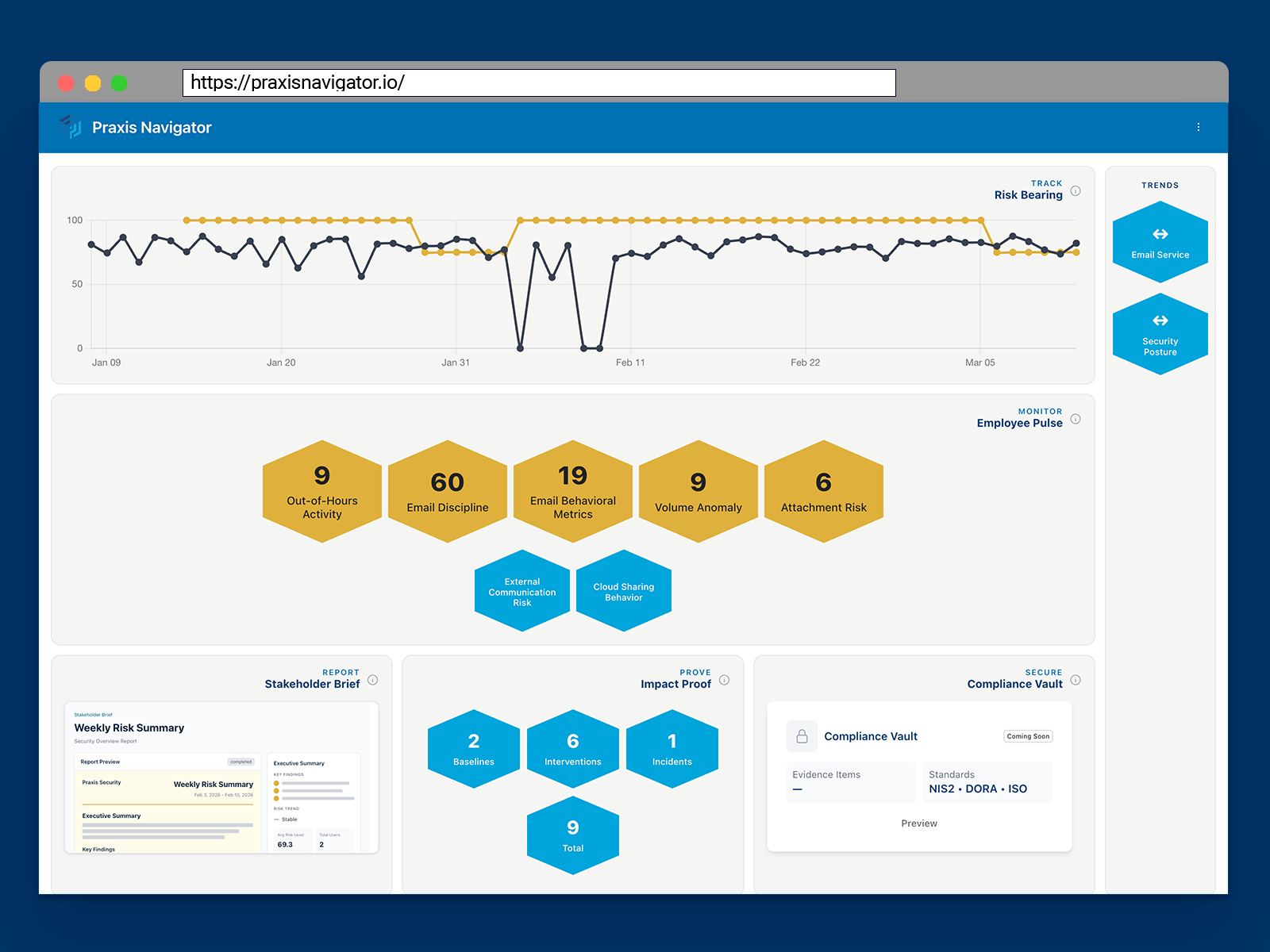
- 20+ risk indicators in one view. Email discipline, cloud sharing behavior, attachment risk, MFA adoption, external collaboration — consolidated and exportable.
Three Steps to Insurable Behavioral Evidence
Connect
Connect your Microsoft 365 in 15 minutes. Self-service setup through Microsoft Marketplace. No agents, no IT projects, no disruption to employees.
Assess
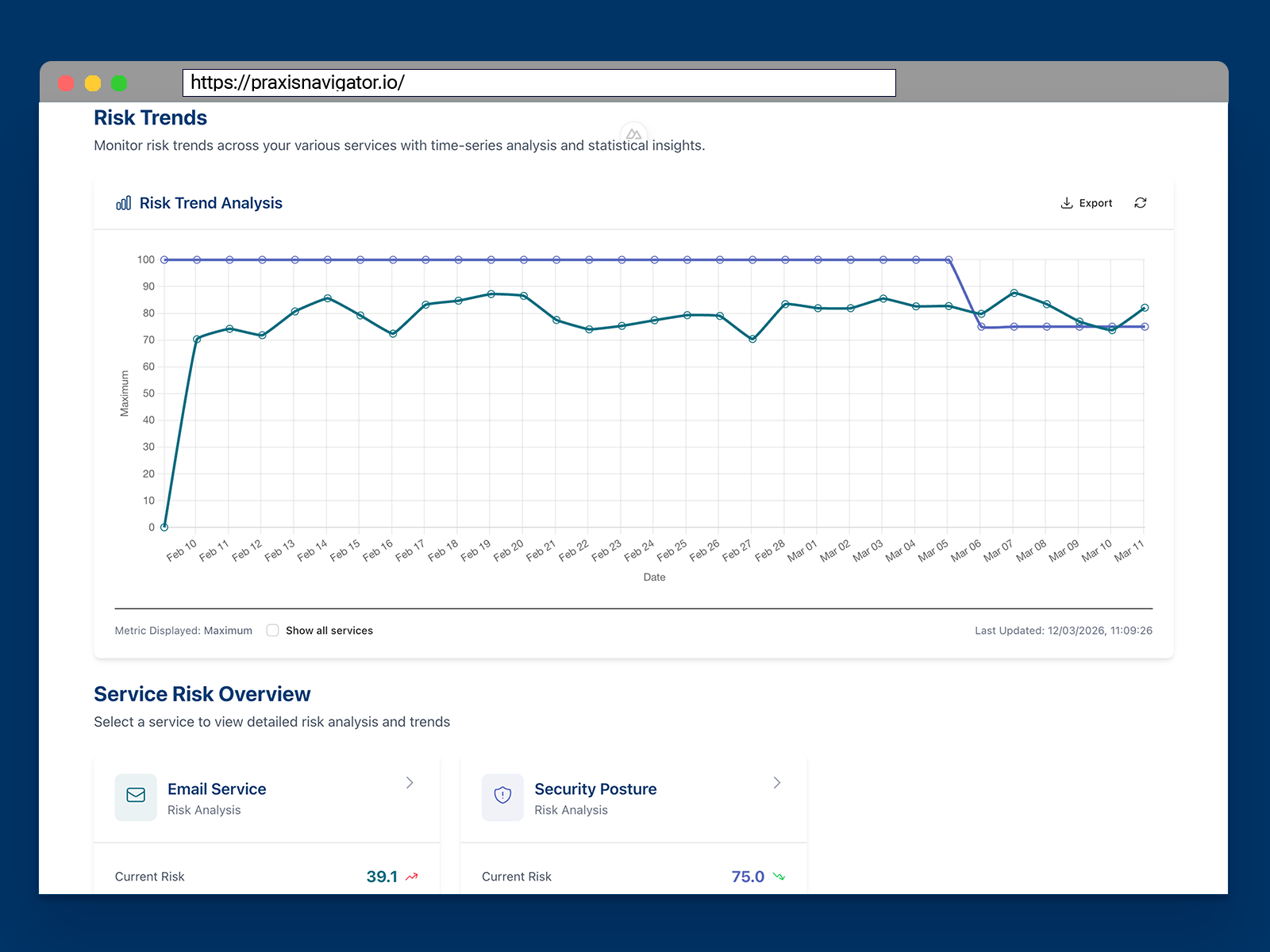
See behavioral risk across your organization immediately — including months of historic trends from Microsoft 365 retention data. Your risk baseline starts building from day one.
Document
Generate behavioral evidence reports showing risk posture, trend data, and the impact of your security interventions. Go into renewal conversations with proof — not just attestations.
The behavioral data you're not capturing right now.
Microsoft retains behavioral data for 180 days on most licenses — up to 1 year for some data on E5. After that, it's gone — permanently.
Every week you wait is a week of behavioral history that disappears. Baselines you could have built. Trend data you could have shown your insurer. Evidence of risk reduction you could have used at renewal.
Praxis captures and preserves this data from the moment you connect. The sooner you start, the more history you keep.
What changes when you walk into renewal with behavioral evidence.
You walk into renewal as the organization that can prove its security program is working — with continuous behavioral data, not self-reported attestations.
| Before Praxis | With Praxis |
|---|---|
| Attestations on questionnaires | Behavioral evidence from 20+ risk indicators |
| "We have security awareness training" | "Training reduced email attachment risk by 34%" |
| No baseline to prove improvement against | Rolling behavioral baselines from day one |
| Manual evidence gathering at renewal | Always-current behavioral data, ready to export |
| Hoping for favorable premium treatment | Documenting measurable risk reduction |
Trusted by Security Professionals
Security Culture Framework
Adopted by ENISA
The Security Culture Playbook
Published by Wiley
20+ Years Research
Security culture expertise
Microsoft Graph API
EU data residency available
Dedicated Azure Resource Groups
Your data, never shared
Security & privacy documentation
See Your Behavioral Risk Data — Free for 30 Days
Connect your Microsoft 365 and start building your behavioral evidence record today. Full access to all Praxis Navigator Core features.
No credit card. No sales call. Just your data.
- Full Core feature access for 30 days
- No credit card or payment required
- Deploy in 15 minutes through Microsoft Marketplace
- Historic behavioral data from day one
- Cancel anytime
No credit card required. No commitment. See results in 15 minutes, or don't continue.
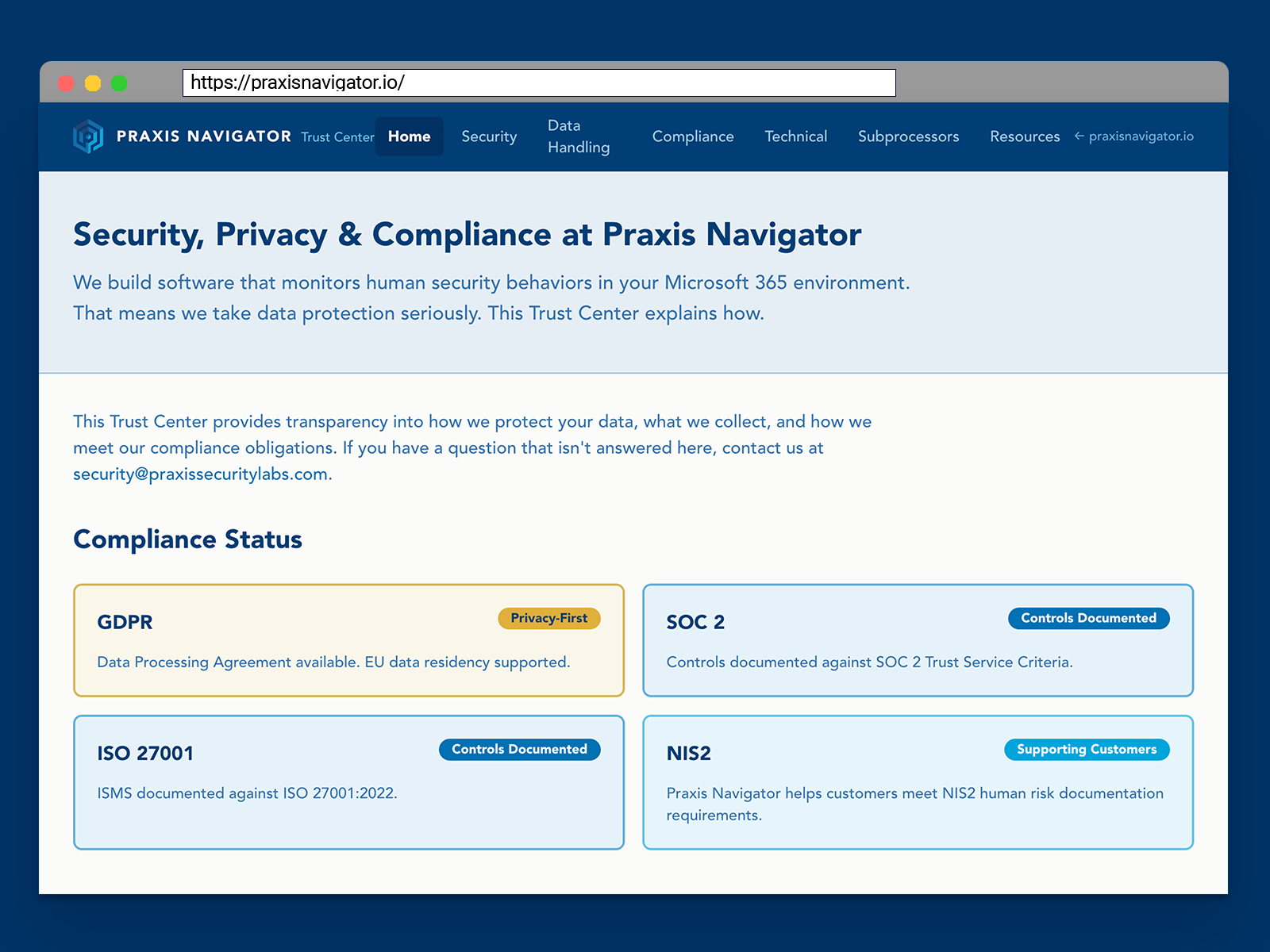
This same evidence gap is showing up in regulation, not just renewal conversations. NIS2, DORA, and GDPR now ask for it too.
Prove your security measures work — the way NIS2, DORA, and GDPR now require