
Most IT leaders can't see what employees are actually doing security-wise.
Praxis Navigator turns invisible human behaviors into visible, measurable data — so you can prove what works.
You're held accountable for managing human security risk. But how can you manage what you can't see? SAT platforms give you completion rates. Phishing tools give you click rates. Neither tells you whether your people are actually behaving more securely. **Praxis Navigator changes that.** Connect your Microsoft 365 environment and see months of behavioral data you never knew existed — in 15 minutes.
Everything you need to see, understand, and prove human security behaviors
Praxis Navigator includes seven integrated modules — each designed to solve a specific problem IT leaders face when managing human security risk.
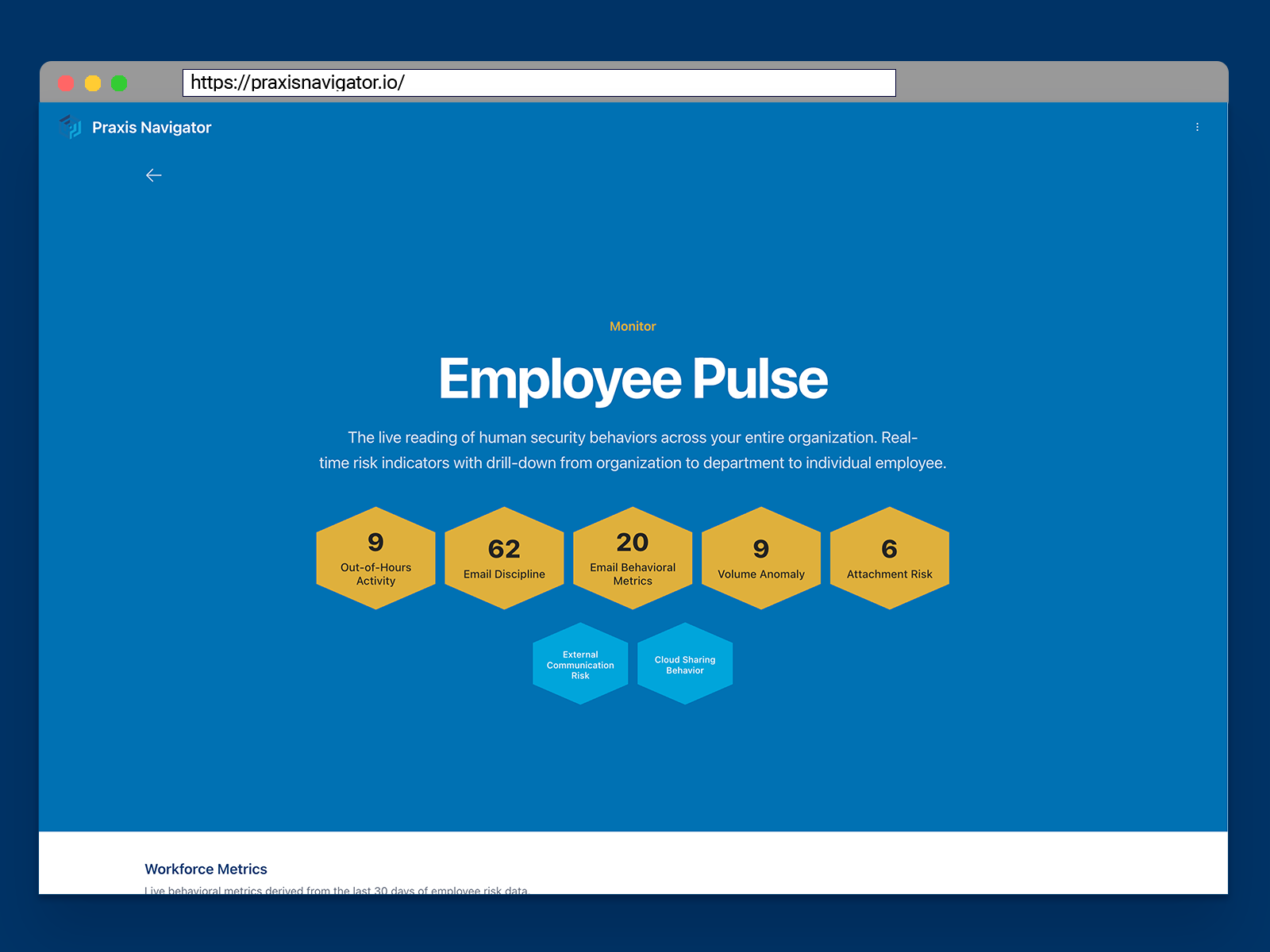
Employee Pulse
Behavior intelligence across your organization
The live reading of human security behaviors across your entire organization. Consolidated view replacing manual Microsoft portal diving. Real-time risk indicators with drill-down from organization level to department to individual.
What it solves
- Data scattered across multiple Microsoft portals
- Hours spent manually gathering and correlating information
- No single view of organizational security health
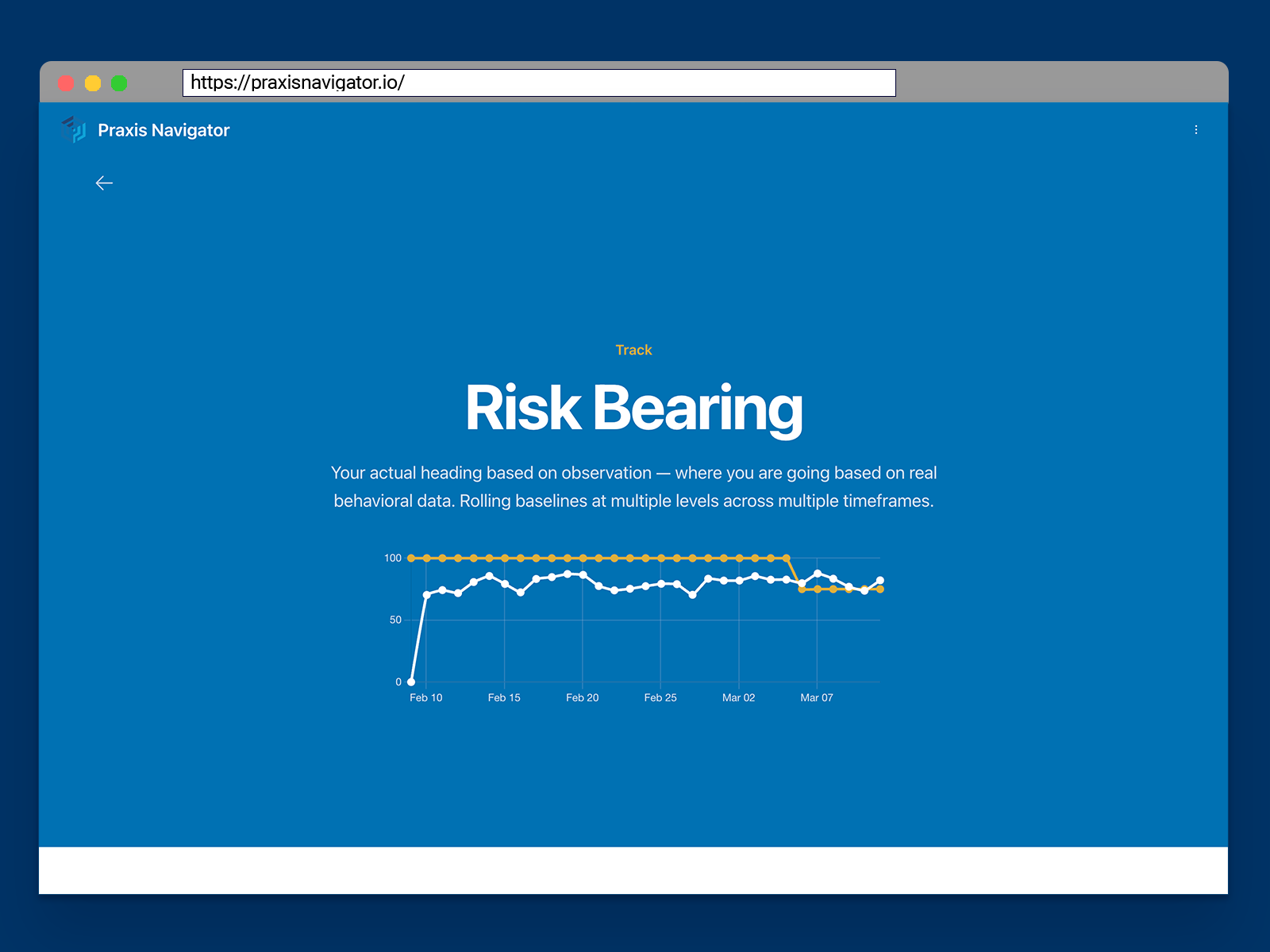
Risk Bearing
Your true direction of travel, based on your own data
Internal rolling baselines at multiple levels — user, team, department, organization — across multiple timeframes. Know whether you're heading in the right direction based on real behavioral data, not assumptions.
What it solves
- Forced to use generic industry benchmarks
- No way to compare against your own baseline
- Can't see how behaviors are trending over time
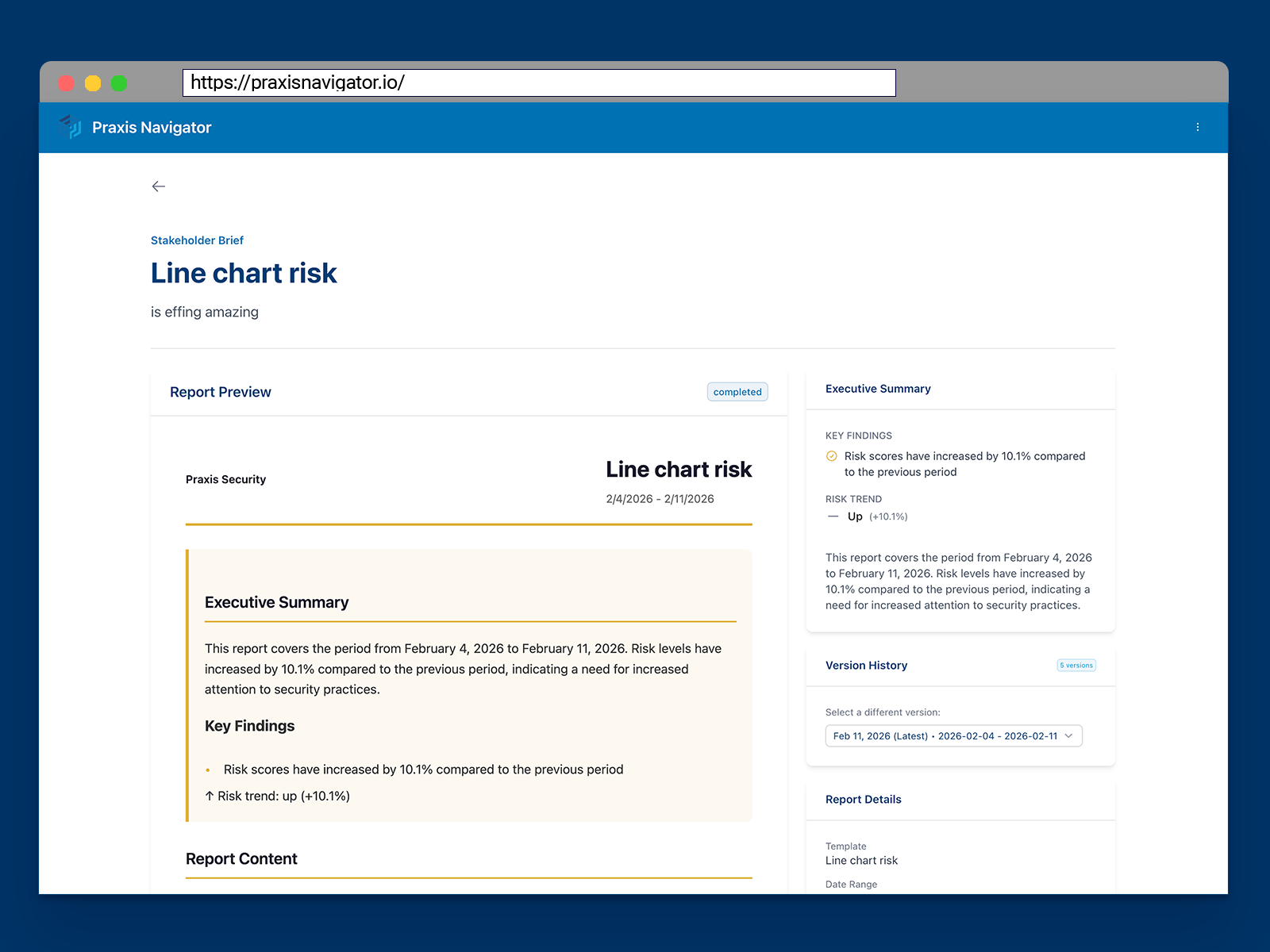
Stakeholder Brief
Right information, right language, right audience — automatically
Automated report generation and distribution adapted to different stakeholders. Business language for the board, operational detail for the IT team, compliance summaries for auditors. Set it up once; the right people get the right updates on the right schedule.
What it solves
- Constant rework when stakeholders ask for different views
- Translating technical data into business language
- Manual report creation and distribution
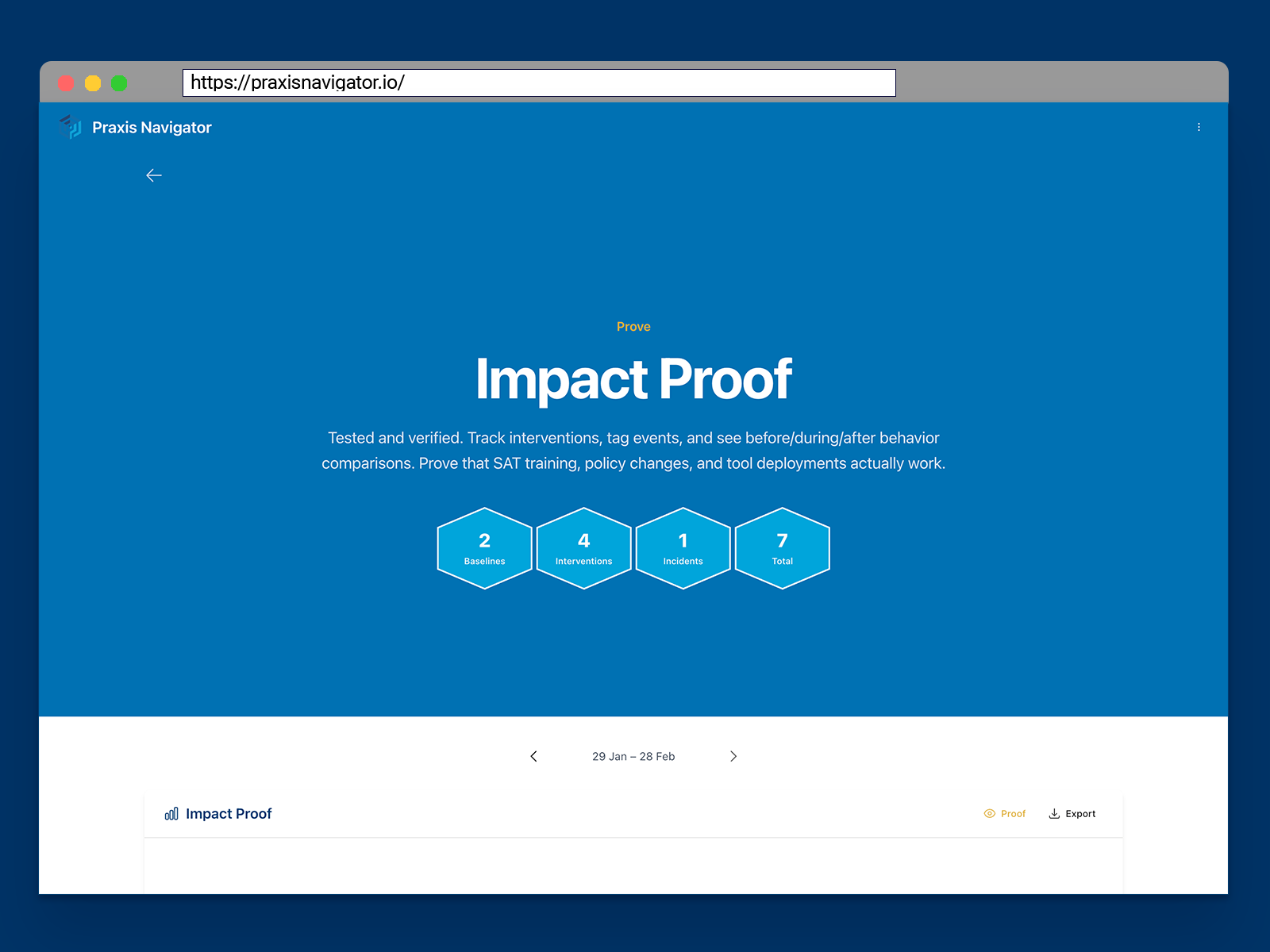
Impact Proof
Evidence that your interventions actually changed behavior
The annotation and event-tracking layer. Tag interventions, see automatic before/during/after behavior comparisons. Did that December training actually improve security behaviors, or did employees just love that it was over?
What it solves
- Can't prove if SAT training actually works
- No way to measure impact of policy changes
- Leadership asks "is it working?" and you can't answer with confidence
Get your own baseline in 15 minutes
Three simple steps to see what's happening with human security in your organization.
Connect your Microsoft 365 environment
Self-service wizard with read-only API access. No IT resources required beyond clicking "authorize." Available through Microsoft Marketplace — no sales calls, no demos, no procurement delays.
Setup time: 15 minutes
See your behavioral data immediately
Within 15 minutes, you see your organization's human security behaviors — including historic data reaching back months. Real baselines built from your own data, not generic industry benchmarks.
See patterns you couldn't see before
Prove what works with before/after evidence
Tag interventions (training, policy changes, new tools), see automatic before/during/after comparisons, and generate stakeholder reports that speak their language.
Complete the loop: Baseline → Intervention → Compare → Prove
“We didn't build another training platform. We built the proof layer that shows whether training — and every other intervention — actually works.”
— Kai Roer, CEO and Founder
Know where the risks are.
See your behavioral data — free for 30 days
Connect your Microsoft 365 and see months of employee behavior data you never knew existed. Get full access to all Praxis Navigator Core features for 30 days. No credit card required, no commitment. Deploy in minutes through Microsoft Marketplace.
- Full Core feature access for 30 days
- No credit card or payment required
- Deploy directly from Microsoft Marketplace
- See your data in 15 minutes
- Self-service setup — no sales call needed
- Cancel anytime during trial
Built for IT Leaders: Microsoft Graph API Integration | Privacy-focused data handling | Azure AD Authentication | EU data residency available
Quick Start
Azure Marketplace Integration