
Your Board Does Not Speak Firewall: How to Report Human Security Risk in Their Language
Your CFO does not need a firewall log. Your auditor does not need a phishing dashboard. Stakeholder Brief auto-generates reports in each audience's language.
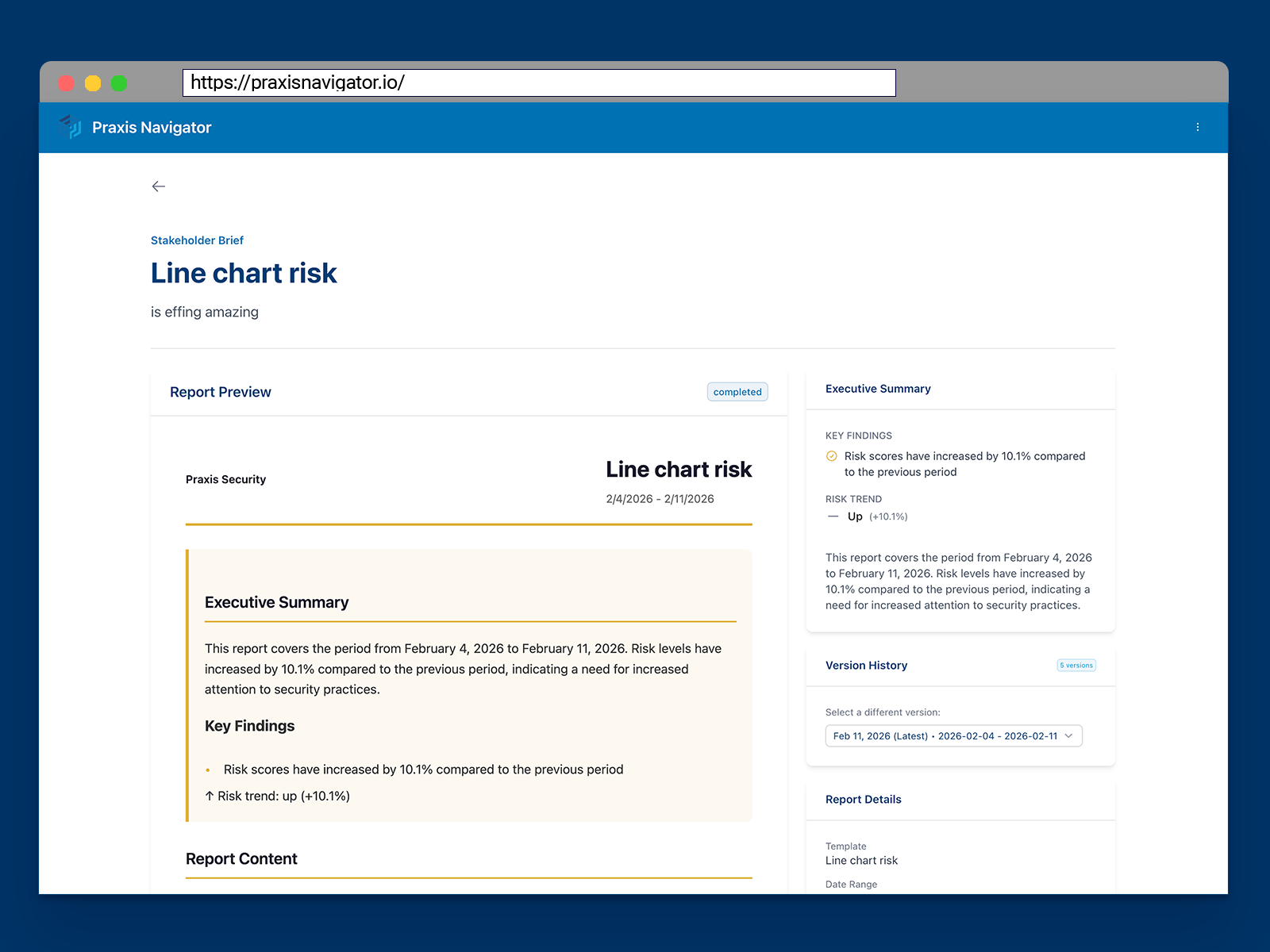
You have been asked to present a security update to the board. You spend the weekend building slides — charts, metrics, trend lines. Monday morning, you walk into the boardroom, pull up your deck, and start talking about MFA adoption rates, email forwarding patterns, and endpoint compliance scores.
Two slides in, the CFO interrupts: “So are we secure or not?”
You hesitate. The honest answer is nuanced. The data tells a complex story. What comes out instead is something vague about “continued improvement” and “ongoing monitoring.” The board nods politely, moves to the next agenda item, and you walk out knowing that nobody in that room understood what you were trying to say.
This is not a presentation skills problem. It is a translation problem. You have the data. You understand it. The people who need to hear it speak a completely different language.
Three Audiences, One Report, Zero Clarity
Most security leaders serve at least three distinct audiences when it comes to security reporting:
The board and executive team need business impact language. They want to know whether the organization is protected, whether investments are paying off, and whether there is anything they need to worry about. They do not want technical detail. They want confidence or concern — expressed in terms they use every day.
The IT and security team needs operational detail. Specific behaviors, specific departments, specific trends. They need enough granularity to take action. A high-level summary is not useful for the people doing the work.
Auditors and compliance officers need documentation that maps to regulatory frameworks — NIS2, DORA, ISO 27001. They need evidence trails, timestamps, and structured data. A slide deck does not meet their requirements.
The typical approach is to create one report and send it to everyone. It ends up too technical for the board, too shallow for the IT team, and incorrectly formatted for the auditors. Nobody gets what they need, and the security leader spends hours trying to make a single document work for three fundamentally different purposes.
Then the cycle repeats next month.
Stakeholder Brief: Right Information, Right Language, Right Audience
This is the problem Praxis Navigator Stakeholder Brief was designed to solve. Stakeholder Brief generates reports that are automatically adapted to different audiences — translating the same underlying behavioral data into the language and format each stakeholder actually needs.
The board gets a one-page brief in business terms. Risk posture, trajectory, key changes since the last report. No jargon, no technical deep-dives, no 40-slide decks. Just the information an executive needs to understand whether things are on track.
The IT team gets operational dashboards with the granularity they need. Department-level breakdowns, individual risk indicators, behavioral trends. The detail that enables action, not just awareness.
Auditors get compliance-formatted documentation with evidence trails. Structured, timestamped, mapped to the frameworks they are evaluating against.
All three outputs are generated from the same data. The translation happens automatically. The security leader sets up Stakeholder Brief once — defining who gets what, in what format, on what schedule — and then it runs without further intervention. Reports are delivered on schedule without anyone touching anything.
Built by People Who Have Sat in That Boardroom
This is not a theoretical feature built by engineers who have never presented to a board. At Praxis Security Labs, we have spent years in those rooms.
I spent my time at KnowBe4 as Chief Research Officer, presenting human security data to boards and executive teams around the world. The patterns are remarkably consistent. Boards do not want more data. They want clarity. They want to know whether the money they approved is producing results. They want someone to translate the complexity into a decision they can act on.
Dr. Thea Mannix, our Director of Research, brings a neuroscience perspective to how different audiences process information. The way an engineer reads a trend chart is fundamentally different from the way a CFO reads it. The cognitive load, the attention patterns, the decision-making triggers — they are all different. Stakeholder Brief is designed around that understanding, not around what is easiest for the software to produce.
This is what genuine expertise looks like in a product. Not more features. Better communication.
What Hands-Off Stakeholder Management Looks Like
Here is what changes in practice. Consider an IT director at a mid-sized telematics company. She currently spends roughly six hours per month preparing reports — pulling data from Employee Pulse, formatting it for different audiences, writing executive summaries, compiling compliance documentation.
With Stakeholder Brief configured, here is what her month looks like instead:
The CFO receives a monthly one-page brief on the first Monday of each month. It shows organizational risk posture, direction of travel from Risk Bearing, and any notable changes. Business language throughout. No action required from the IT director.
The compliance team receives a quarterly report formatted for their NIS2 documentation requirements. Evidence trails, structured data, timestamps. Delivered automatically, archived in the Compliance Vault.
The IT team has access to a live operational dashboard that updates daily. No report to generate — the data is always current.
The IT director spends zero hours on reporting. She spends her time on the work that actually matters — the infrastructure projects, the ERP migration, the security improvements she has been meaning to get to for months.
That is what hands-off stakeholder management looks like. Not better reports — no time spent on reports.
Reports Are Only as Good as the Data Behind Them
There is a reason Stakeholder Brief is the third module we are covering in this series, not the first. Beautiful reports built on questionable data are worse than no reports at all. They create false confidence.
Stakeholder Brief is effective because the data feeding it is reliable. Employee Pulse provides the current behavioral picture. Risk Bearing provides the trending context — whether things are improving or declining. Together, they give Stakeholder Brief something worth communicating.
The next question is natural: once stakeholders are receiving clear reports based on reliable data, they will start asking whether the interventions the organization is investing in actually work. That question — proving what works — is the subject of the next post in this series.
Stop Spending Hours on Reports Nobody Reads
If you are currently spending hours each month translating security data for different audiences, there is a better way. Stakeholder Brief handles the translation so you can focus on the work that produces results, not the reporting that describes them.
Ready to see your employees' security behaviors?
Connect your Microsoft 365 and see months of behavioral data in 15 minutes. Free 30-day trial — no credit card, no sales call.
Start Free Trial